For a restaurant’s everyday online menu, a responsive web page is usually the more practical starting point. Keep a PDF as an optional printable download when guests need one. Decide by checking the real reading experience, update process and accessibility of each version, rather than by the filename alone.
A guest standing outside your restaurant may only want to find a vegetarian main, check a description and decide whether to book. A beautifully designed print sheet can become awkward when squeezed into a phone screen. Equally, a web page filled with oversized photographs and obstructive pop-ups can be difficult to use. Both need testing.
What each format does well
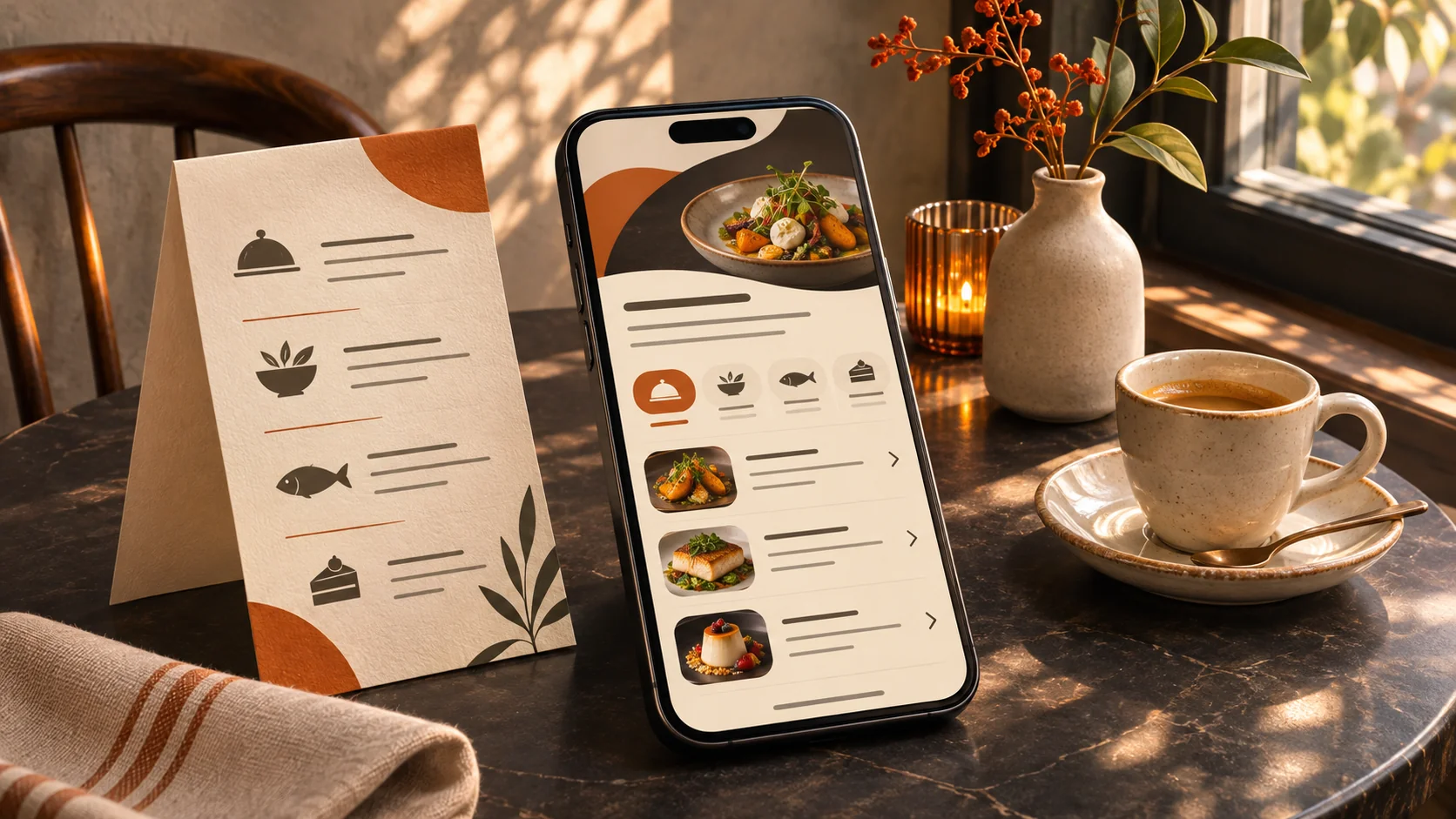
A PDF preserves a controlled print layout and can be useful for event packs or a takeaway copy. A web page makes it easier to build a continuous reading flow, link directly to categories and integrate the menu with the rest of the website. Those are design opportunities, not automatic qualities of HTML.
In an illustrative café, the main menu might contain breakfast, lunch and drinks as page sections, with an optional download below. Someone changing a lunch dish should know which version is authoritative and whether the printable copy also needs updating.
Use this five-part acceptance check
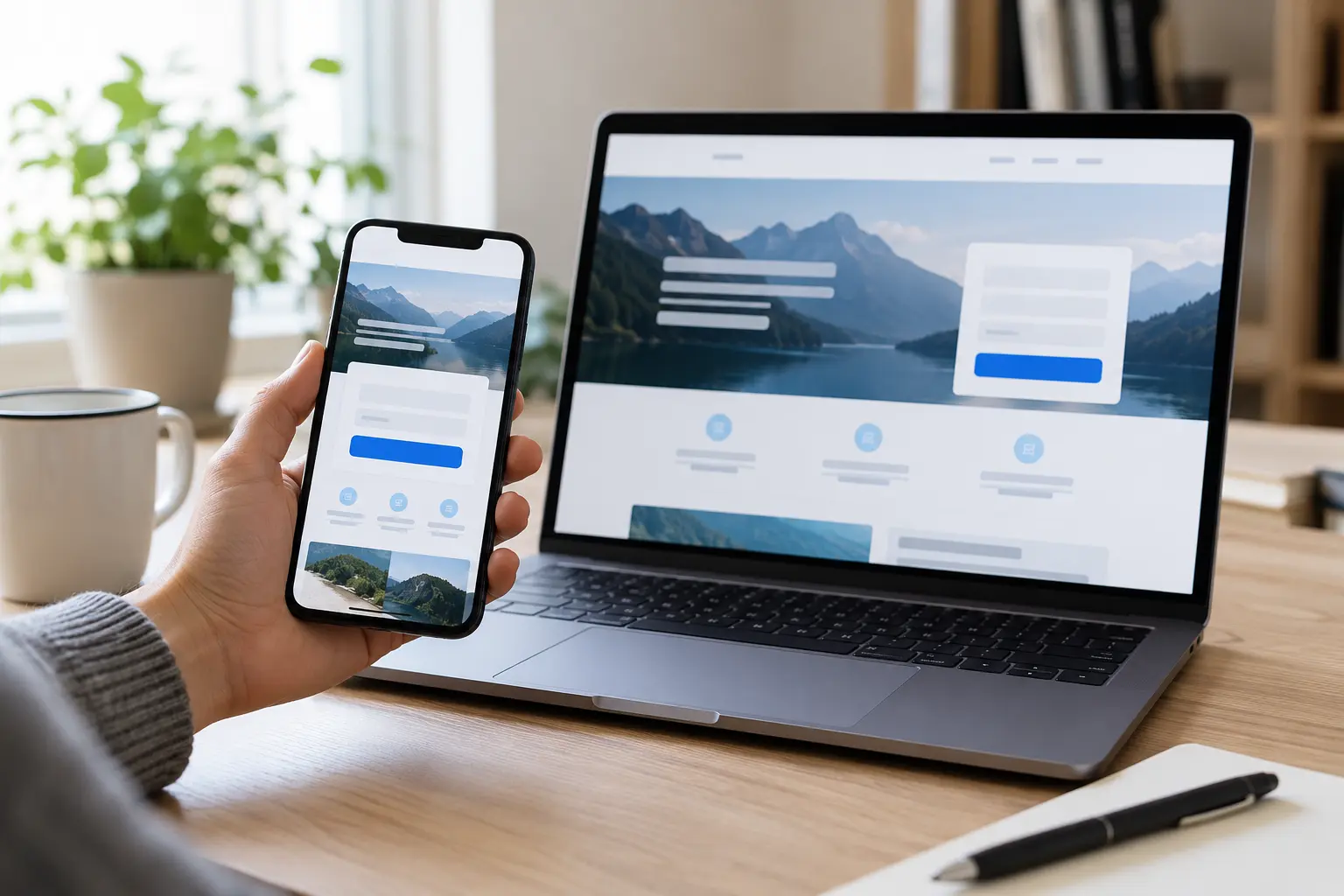
- Read: open the actual menu on a small phone. Can you read names, descriptions and prices without repeatedly moving sideways?
- Find: locate one category and return to the menu’s beginning. Check that sticky navigation leaves room for the food descriptions.
- Enlarge: increase text size or zoom. W3C’s reflow guidance explains why ordinary text should fit a narrow reading area; it also recognizes that appropriately prepared PDFs can support reflow.
- Understand: confirm that the reading order makes sense with assistive technology. A scan of printed words is different from properly structured text. Selectable text alone does not establish complete accessibility.
- Maintain: ask the person who will update the menu to change one item in a safe preview and show how they would check both language and print versions.
What about search and loading speed?
Google lists PDF among its indexable file types. The claim that search engines cannot read any PDF is therefore wrong. Indexability still does not promise indexing or rankings. A useful HTML menu can provide a clear page structure and internal links, but it needs accurate content and a functioning website.
Compare the actual files and pages on a phone connection. A small PDF can transfer less data than an image-heavy page. Avoid assuming that one format always loads faster. For the web version, use text for dish information and give decorative photography a sensible role rather than making every item depend on a large image.
Questions restaurant owners ask
Does a QR code solve a difficult menu?
It only provides a route to the destination. Scan the printed code and test the final page or file, including any redirects. A convenient scan cannot repair unreadable content.
Should we delete the old PDF immediately?
First check links from your website and printed material. Introduce the new menu page deliberately, update controlled links and keep the printable option clearly labelled if it remains useful.
Do we need a complete website rebuild?
Often the immediate project is a well-organized menu page and a reliable update process. Assess that scope before expanding the work.
Choose one owner for menu accuracy and a short review routine after changes. If you need help planning the reading experience, explore The Web Designer’s website services and bring your current menu and update requirements.