

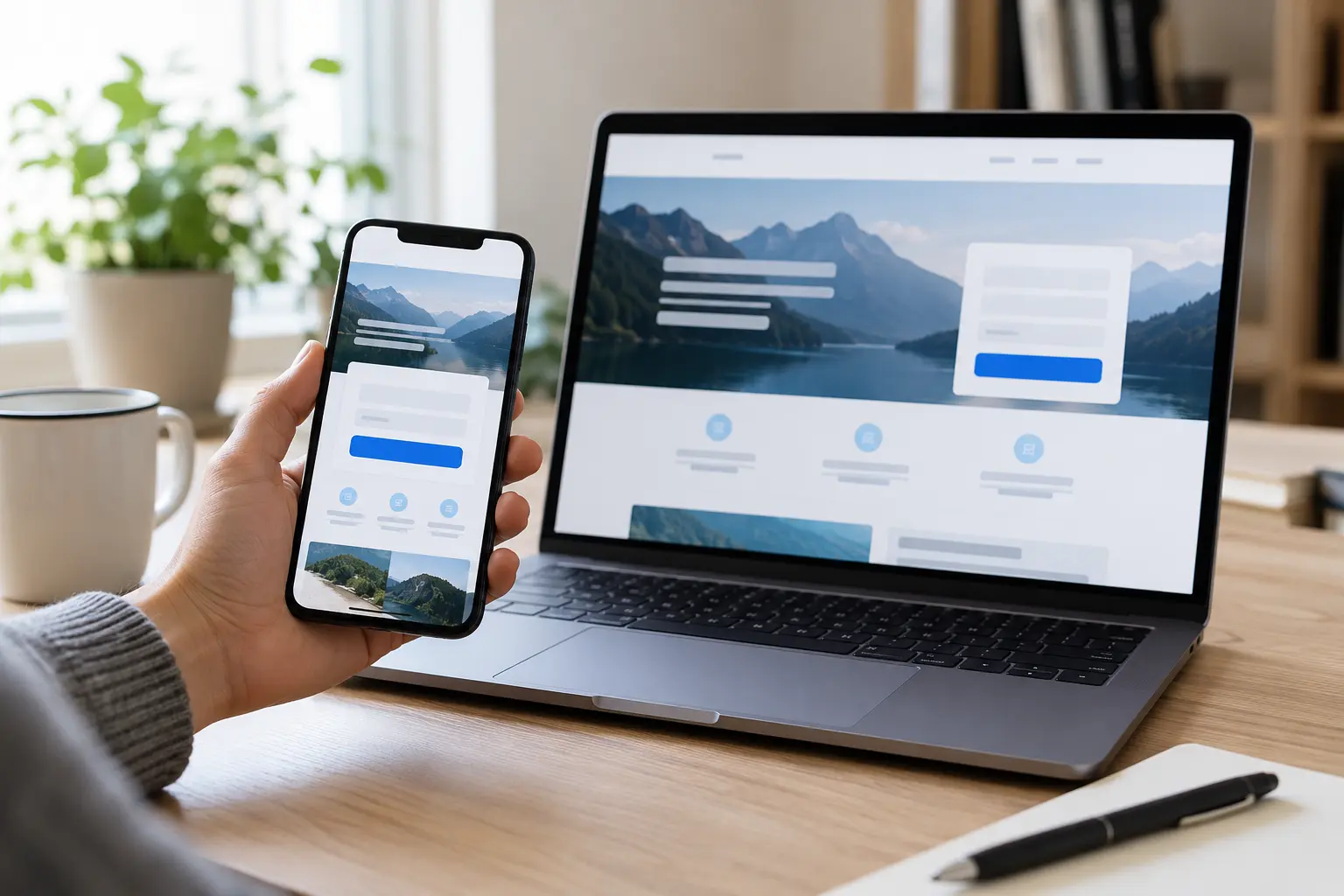
A pre-launch review for service and lead-generation pages that need to turn qualified visits into reliable enquiries.
Short answer
A landing page is ready when a visitor can understand the offer, decide whether it fits, and complete the intended action without guessing. Quality assurance must cover the promise that brought the visitor, the mobile experience, the form or contact route, delivery of the enquiry, page speed, accessibility, tracking and post-submit behaviour. A page that looks polished but loses form messages or hides its call to action on a phone has not passed QA.
Imagine paying for visitors to a service page, then discovering that its contact button sits behind a cookie banner on a phone. Or the form shows a success message while enquiries never reach the inbox. These are illustrative examples of avoidable friction; the checks below help you find such problems before promotion.
1. Confirm the page has one job
Write the page’s primary outcome in one sentence: request a quote, book a call, download a guide, start a purchase, or visit a location. Everything above the fold should support that outcome.
Check:
- the page has one primary call to action;
- secondary links do not compete with the main action;
- the heading describes the service or result in plain language;
- the next step is specific;
- navigation does not create an unnecessary exit route;
- the page does not promise a result the business cannot verify.
“Contact us” may be appropriate, but “Request a website review” or “Tell us about your project” gives the visitor more context. The wording must match the real process after the click.
2. Test message match
The landing page should continue the promise made by the search result, ad, email or social post. Google Ads describes landing-page experience in terms that include usefulness, relevance, navigation and whether the page meets expectations created by the ad.
Compare the traffic source with the page:
- Does the main heading use the same service or problem language?
- Does the page answer the question implied by the keyword or campaign?
- Is the location, audience or product scope consistent?
- Does the call to action match the source’s invitation?
- Are important limitations visible before submission?
Avoid copying every keyword into the page. Message match is about intent and expectation, not repetition. If several campaigns promise materially different things, use separate pages or change the source message.
3. Review the first mobile screen
Most landing-page mistakes become obvious on a narrow screen. Test at common mobile widths and with browser text enlarged.
The first screen should show:
- a clear heading that does not wrap into an unreadable block;
- a concise explanation of who the service is for;
- one visible action;
- enough visual context to create confidence;
- no cookie banner, chat widget or sticky element covering the CTA.
Check that buttons have comfortable touch targets, phone numbers work as telephone links, and fixed headers do not consume most of the viewport. Do not rely on hover effects to explain what a control does.
4. Make the value easy to scan
Visitors do not need every detail before they understand the offer. They do need enough information to judge relevance and risk.
A useful order is:
- problem or goal;
- clear service outcome;
- what is included;
- who it is suitable for;
- proof or process;
- next step.
Use descriptive subheadings, short paragraphs and lists where they help comparison. Avoid vague claims such as “best,” “guaranteed” or “number one” unless there is current, verifiable evidence and permission to publish it.
If the service has exclusions, dependencies or qualification criteria, state them clearly. Honest scope improves lead quality and reduces wasted conversations.
5. Audit trust signals
Trust should come from evidence a visitor can evaluate. Appropriate signals may include:
- an accurate business identity and contact route;
- a real service process;
- relevant, approved case studies;
- verifiable reviews from their public source;
- privacy and data-use information;
- security indicators where a transaction occurs;
- clear authorship or responsibility for expert content.
Do not invent client results, tests, awards or testimonials. Do not expose private client names, contracts, correspondence or analytics. If a case study is not approved for public use, describe the method without identifying the client or claiming an outcome.
6. Test every form state
A form is not tested when it merely looks correct. Test the entire journey with non-sensitive sample data.
Verify:
- every field has a visible, meaningful label;
- required fields are identified before submission;
- error messages explain what must be fixed;
- keyboard focus follows a logical order;
- validation works on desktop and mobile;
- the submit button has a clear state while processing;
- duplicate clicks do not create duplicate leads;
- the success message or confirmation page appears;
- the enquiry reaches the correct inbox or CRM;
- the reply-to address is usable;
- spam protection does not block legitimate tests;
- failure states provide a safe retry path.
W3C guidance says controls need labels and that instructions, validation and feedback help people complete forms. A placeholder is not a durable substitute for a label because it can disappear when the user starts typing.
For phone and email links, test the actual device action. For booking tools, test timezone, availability, confirmation email and cancellation links.
7. Verify enquiry delivery
The page can show “Thank you” even when the message never reaches the business. Confirm delivery independently.
Use a controlled test that records:
- date and time;
- device and browser;
- form or CTA tested;
- confirmation shown;
- destination inbox or CRM;
- delivery delay;
- any automation triggered.
Do not use real customer information. Remove test leads if the system allows it without damaging audit history. If email delivery relies on SMTP or a transactional provider, confirm the sending domain and failure notifications are controlled by the business.
8. Check accessibility and interaction
Test the page without a mouse:
- tab through links, controls and the form;
- confirm focus is visible;
- verify headings follow a meaningful order;
- check that images have appropriate alternative text;
- ensure colour is not the only way information is communicated;
- enlarge text and confirm content remains usable;
- review labels and error messages with an accessibility tool.
Accessibility is part of conversion quality. Clear labels, instructions and errors help every visitor, including people using assistive technology or working on a small screen.
9. Measure real performance
Performance testing should use both lab checks and real-user data when available. Core Web Vitals currently focus on loading, responsiveness and visual stability through LCP, INP and CLS. Google recommends evaluating the 75th percentile separately for mobile and desktop.
For launch QA:
- run a lab test on the final URL;
- check field data in Search Console or PageSpeed Insights if enough traffic exists;
- compress and correctly size the main visual;
- prevent layout shifts by reserving space for images and embeds;
- remove or defer unnecessary third-party scripts only after testing their business function;
- retest the form, consent, analytics and CTA after performance changes.
Do not claim a page “passes Core Web Vitals” from one lab run. If field data is unavailable, record it as UNKNOWN rather than zero.
10. Validate tracking and consent
Define the event that represents success. It may be a form submission, booked appointment, qualified call or completed purchase.
Check:
- the event fires once after a real success;
- it does not fire on a validation error;
- analytics and advertising platforms use the intended event name;
- campaign parameters survive the journey where appropriate;
- consent settings reflect the site’s actual legal configuration;
- no personal form values are sent into analytics fields;
- internal or test traffic is marked consistently.
Do not change legal text or consent design without the responsible owner’s approval. QA confirms the implementation matches the approved policy; it does not create legal advice.
11. Review search and sharing basics
For an indexable landing page, verify:
- the page returns a normal 200 response;
- robots rules and meta directives allow the intended indexing;
- the canonical points to the preferred URL;
- title and description match the page;
- the page appears in the correct sitemap where appropriate;
- internal links help users and crawlers find it;
- Open Graph image and text are suitable for sharing;
- structured data is accurate and not duplicated by multiple tools.
Some campaign pages should not be indexed because they duplicate a main service page. Decide intentionally. Do not remove a noindex directive merely to increase the number of indexed URLs.
12. Run a small test matrix
Minimum combinations:
- mobile Chrome;
- mobile Safari if the audience includes iPhone users;
- desktop Chrome;
- one keyboard-only pass;
- one slow-network or throttled lab pass;
- one complete form submission;
- one invalid submission;
- one link and telephone/email action check.
Record the result, not just “tested.” Use PASS, FAIL, PARTIAL or UNKNOWN with the exact issue and evidence.
Launch gate
Publish or promote the page only when:
- the message matches the traffic source;
- the primary CTA works on mobile and desktop;
- form labels, errors and delivery pass;
- performance has been measured honestly;
- tracking records the intended success without duplicates;
- legal and privacy content remains approved;
- the page has an intentional index/canonical decision;
- the final public URL has been reloaded and checked.
Frequently asked questions
How many calls to action should a landing page have?
The page can repeat the same primary action in several useful places. Avoid several competing primary actions unless the journey genuinely requires them.
Should every landing page be indexed?
No. A unique, useful service page may be indexable. A near-duplicate campaign variant may be better canonicalised or kept out of the index. The decision should match the content and search purpose.
Is PageSpeed Insights enough for QA?
No. It is one source of evidence. Combine lab results, field data when available, direct mobile testing and a full test of forms and tracking.
Can a placeholder count as a form label?
A placeholder can provide an example, but it should not replace a visible programmatically associated label.
What to do next
- Choose one important landing page and test its main action on a phone.
- Confirm an enquiry arrives, then check the success event fires once.
- Record the problems, fix the ones that stop users completing the task, and repeat the test.
If you want a second review, share the page and its intended action with The Web Designer. We can discuss the appropriate website design or speed and security work once the cause is understood.